



Tell us your subject
Every great presentation starts with your unique idea. Just type your subject into our AI slides generator — whether it's a sales report, a marketing plan, or a lecture — and share what you want to create.
Enter a topic. Get a complete, professionally designed deck. Edit and export.
Start from a template




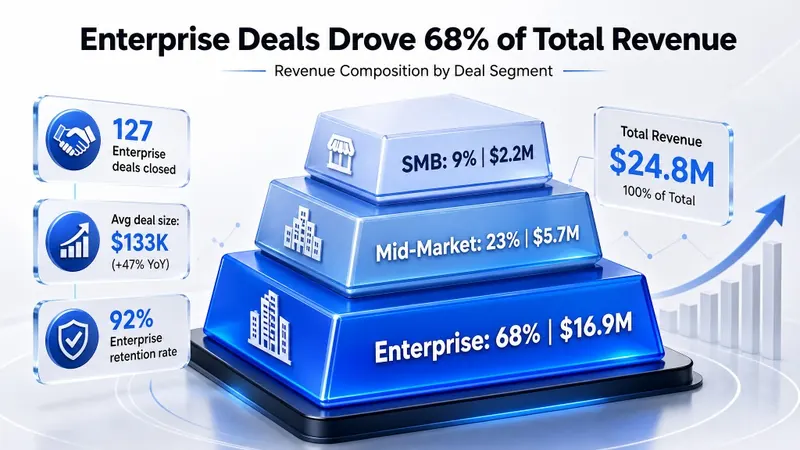
When you need to turn weekly numbers, pipeline updates, and performance notes into a clean presentation, Flyflow helps you move from raw topic to polished deck quickly.
For campaign plans, launch proposals, and brand stories, start with your idea and get a structured deck you can refine instead of building every slide from scratch.

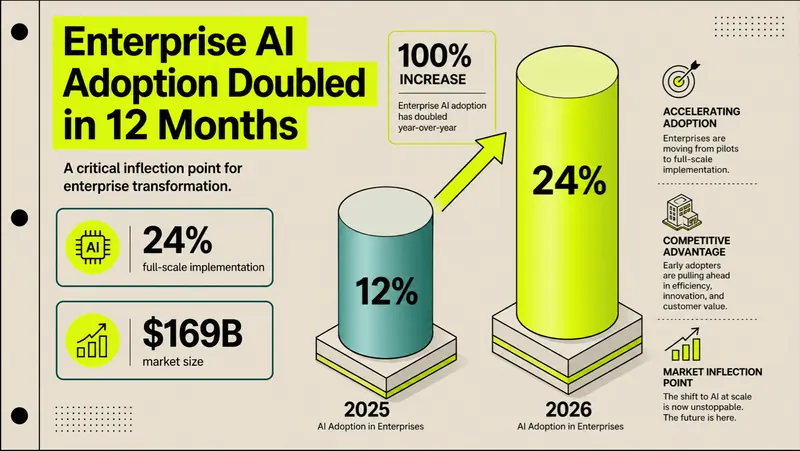
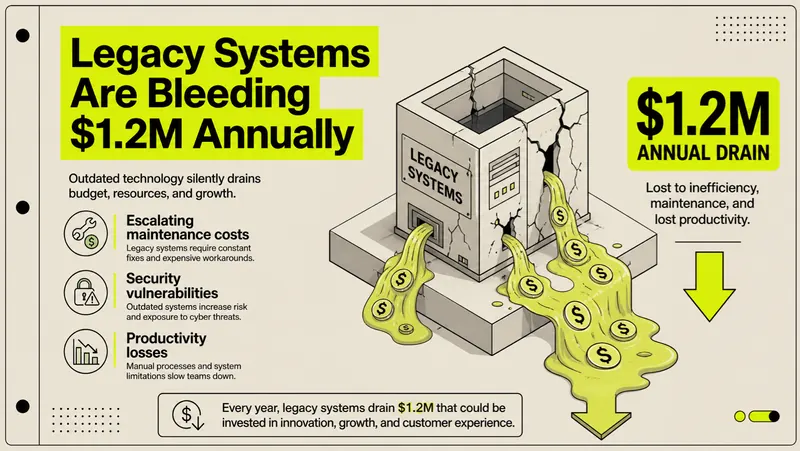

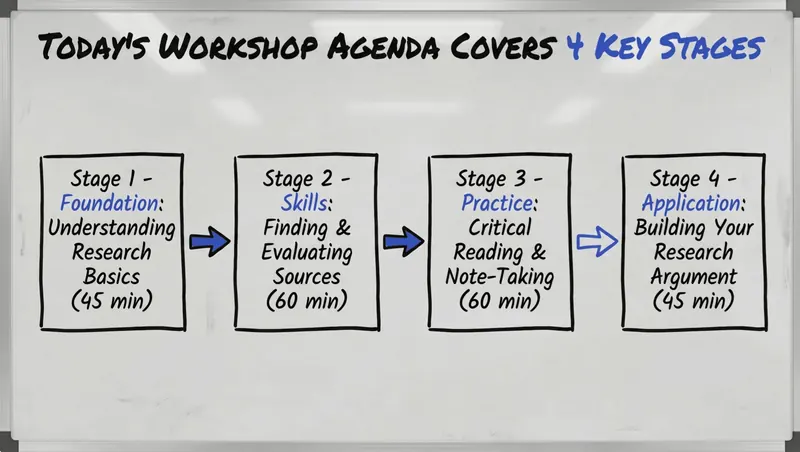
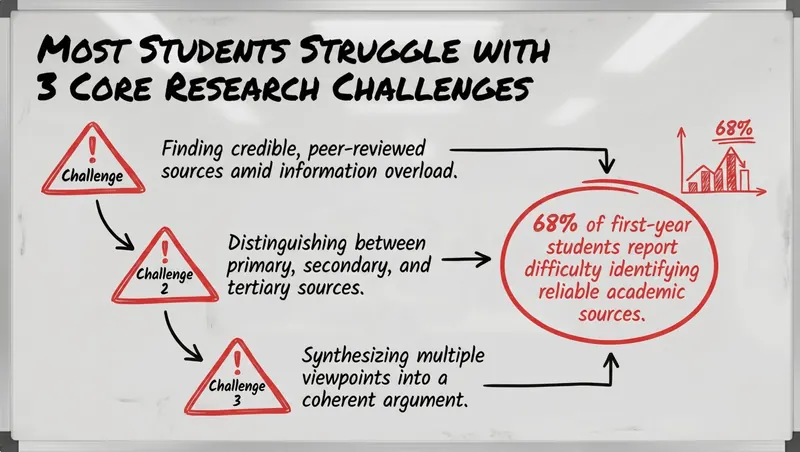
For classes, workshops, and internal training, describe the subject and let AI shape the outline, sections, and visual rhythm for learners.
When your story needs to move fast from problem to traction and next steps, AI creates the first professional structure so you can focus on the message.



Every great presentation starts with your unique idea. Just type your subject into our AI slides generator — whether it's a sales report, a marketing plan, or a lecture — and share what you want to create.
Once you submit your idea, our AI jumps into action. It researches your topic, finds the most important information and the right presentation structure, then builds a beautiful deck with clear explanations and engaging visuals.
Your fully customized, editable presentation is ready to go. Designed to work smoothly and look great, you can use it right away, share it with others, or export it to PowerPoint, Google Slides, or PDF.
One sentence in, full deck out. No blank-page anxiety.
Switch between professional, creative, and minimal styles instantly.
Redo any single slide without touching the rest.
AI reads your data and picks the right visualization.
Export to PPTX, PDF, Google Slides, or a shareable link.
You can start for free with starter access in your Flyflow account.

Enter your topic, choose a template, and create a complete presentation draft in seconds.
Try It Now